2022 was a fantastic year for us. From new hires to Labstep babies, we kept busy all year long. Let's review together all the features and UX improvements we released this year– all designed to help you uncover the power of real-time data!
Jump to:
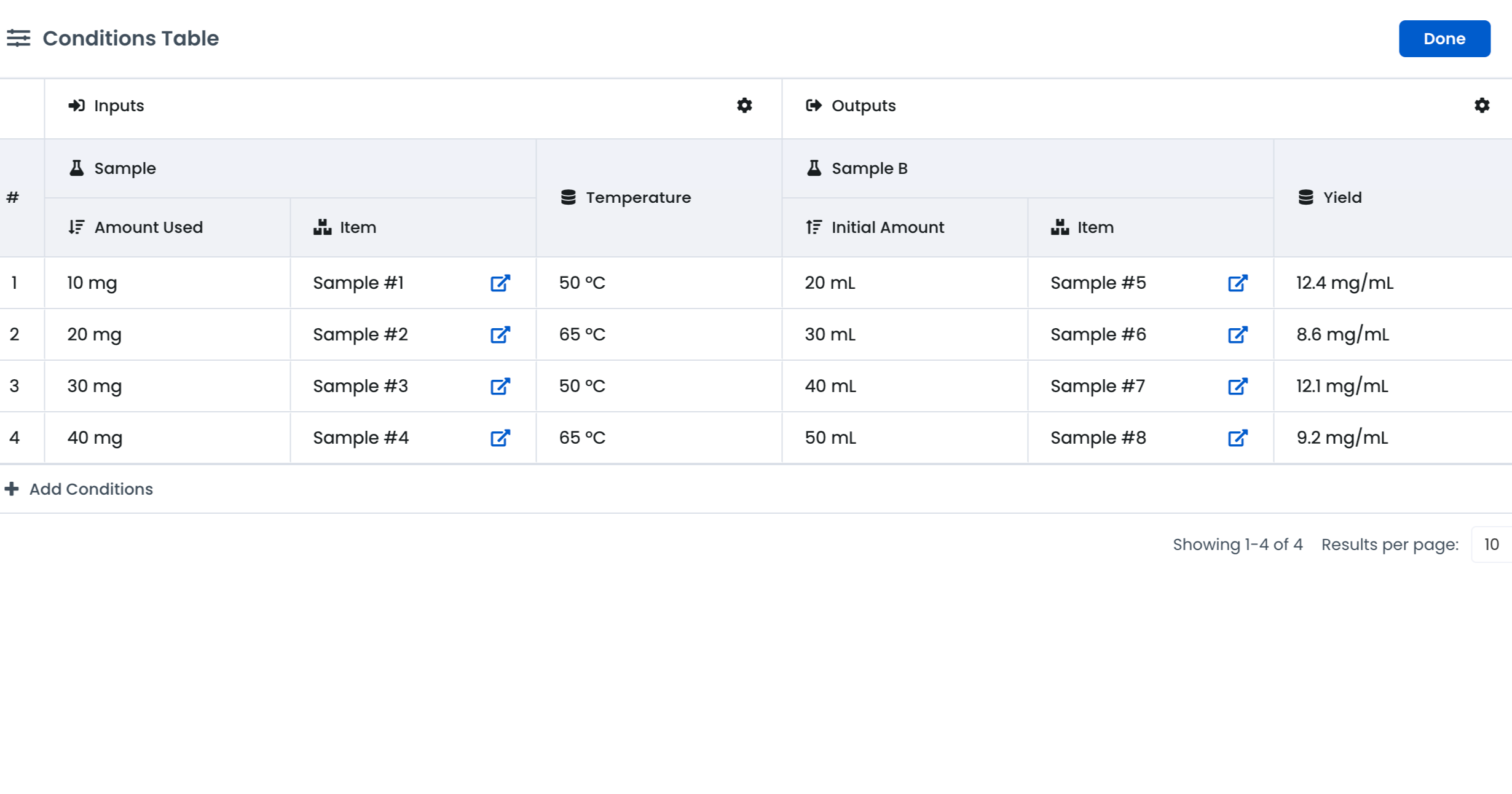
Run protocols and experiments using multiple conditions in parallel.
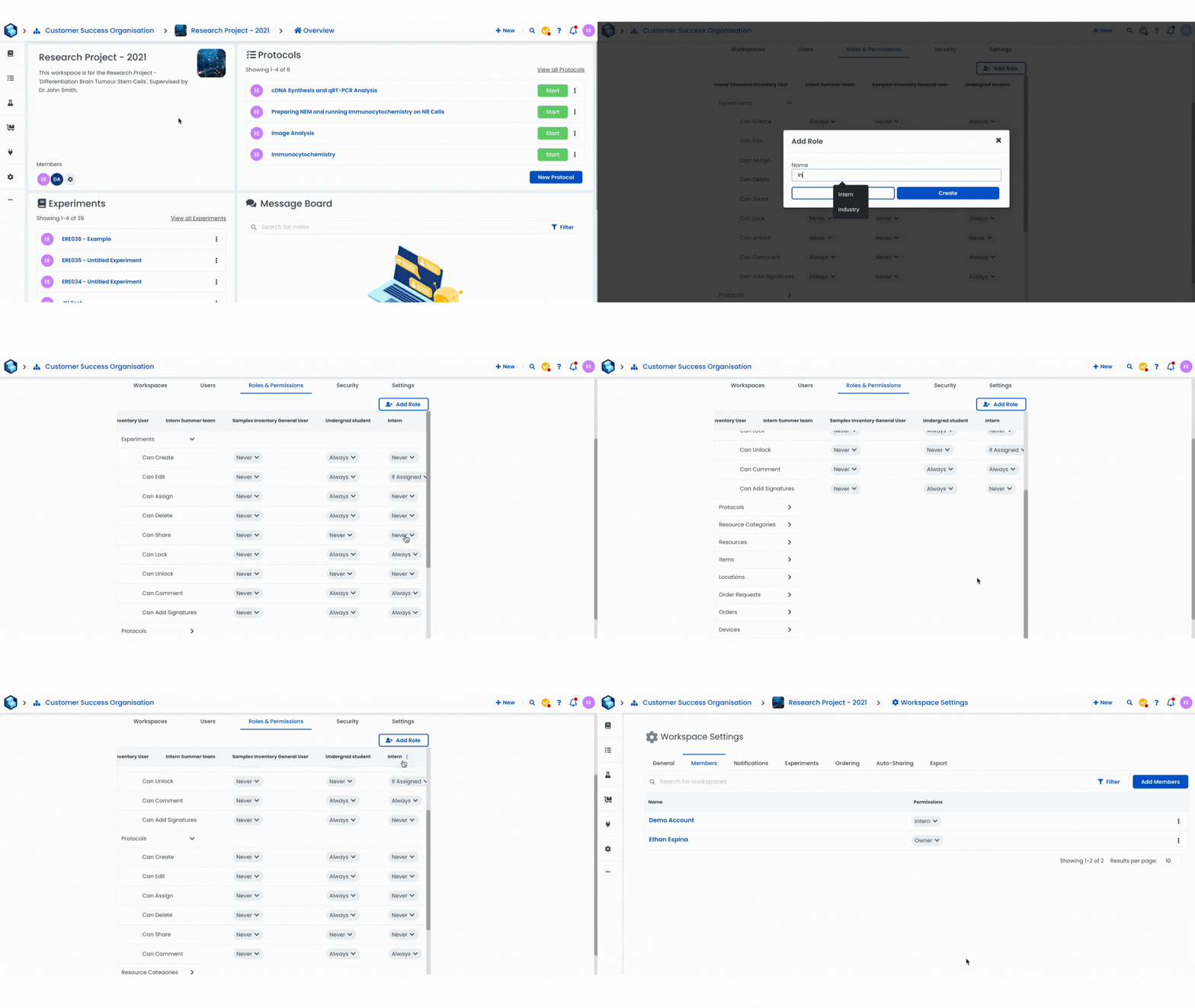
Decide who can do what in the Workspace. Permissions are broken down by entity and action type.
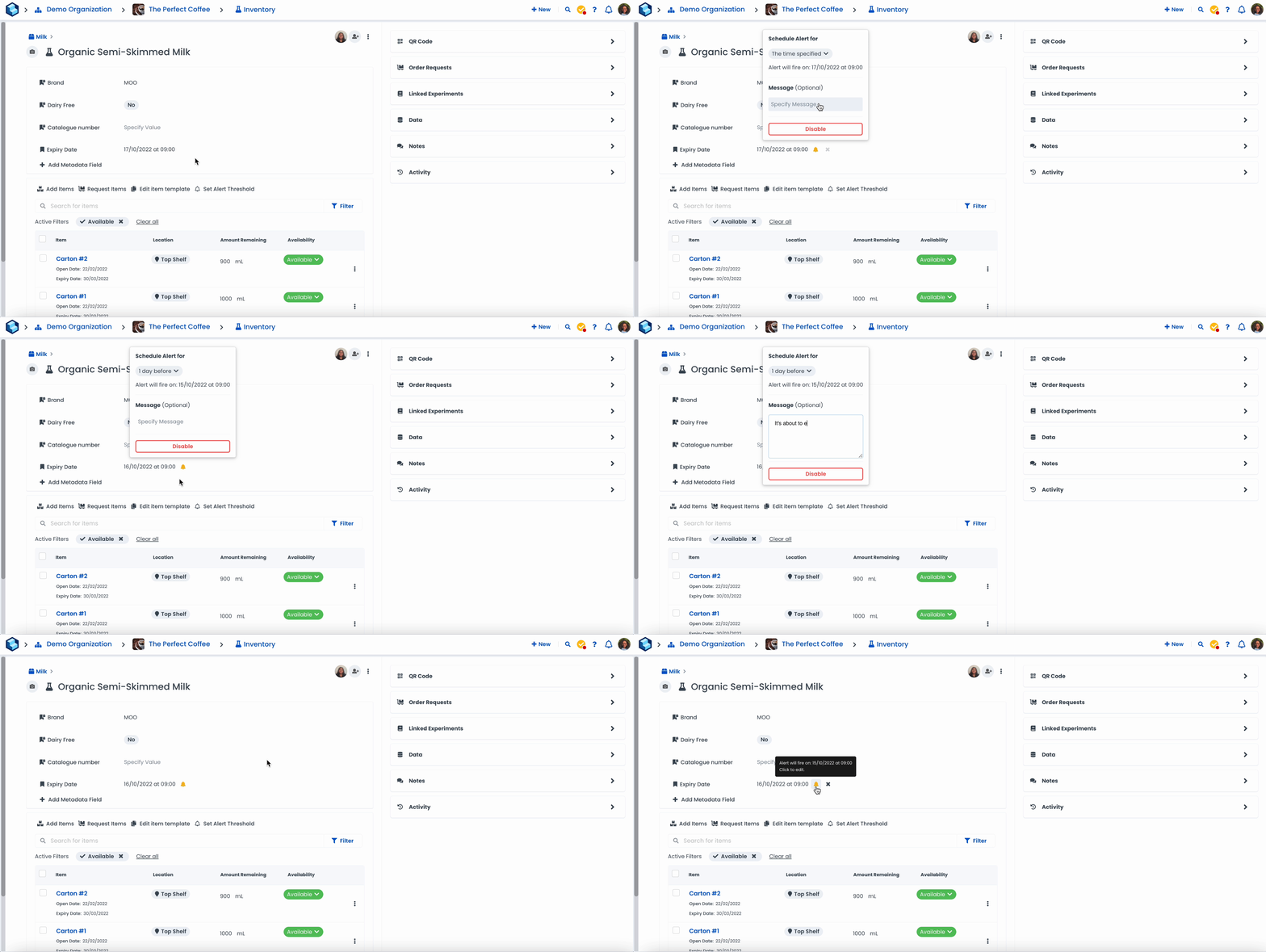
Set alerts on date fields to ensure you never miss an important date.
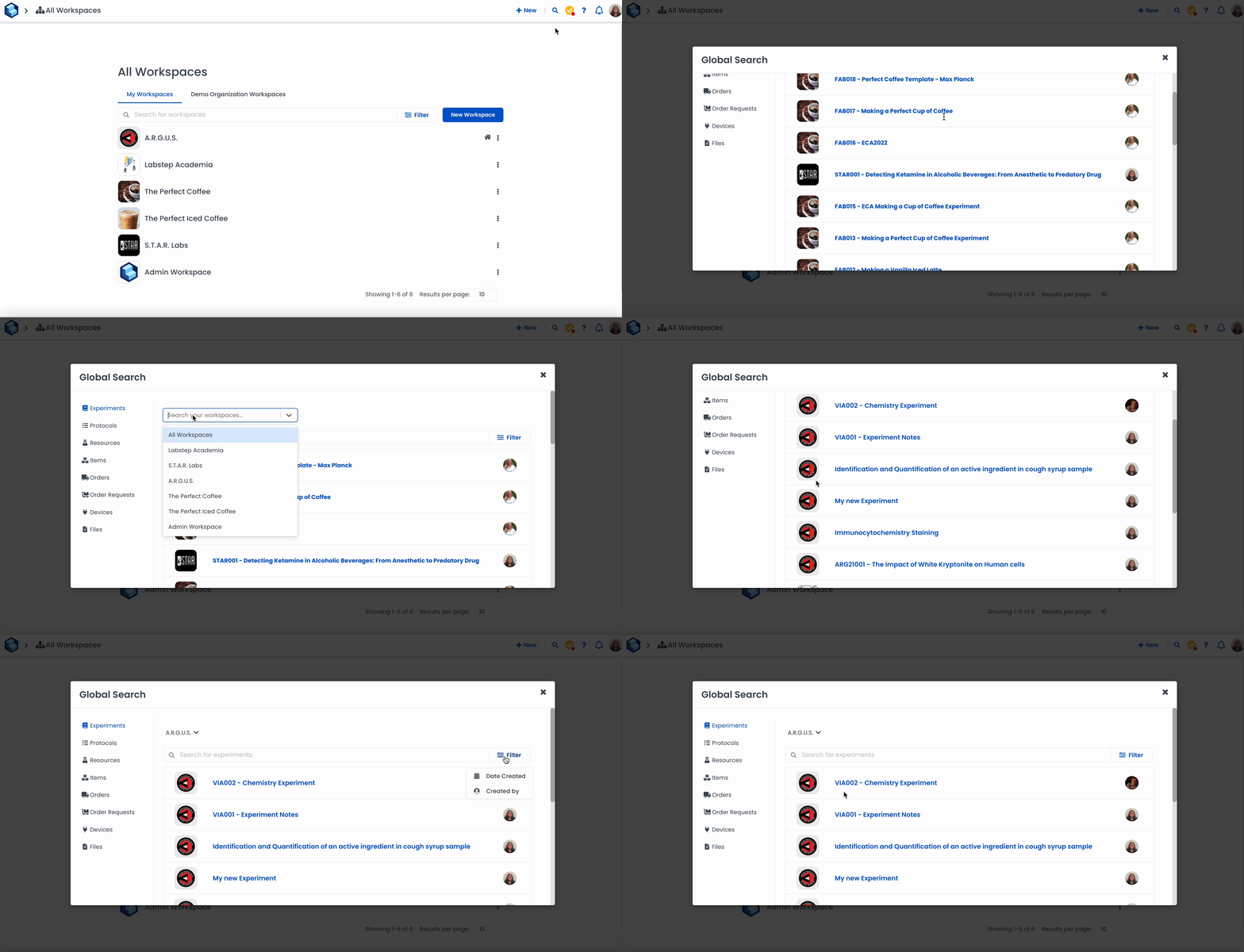
Search for content across all your Workspaces all at once.
Save time by adding structures from your inventory directly to the Chemical Structure Editor.
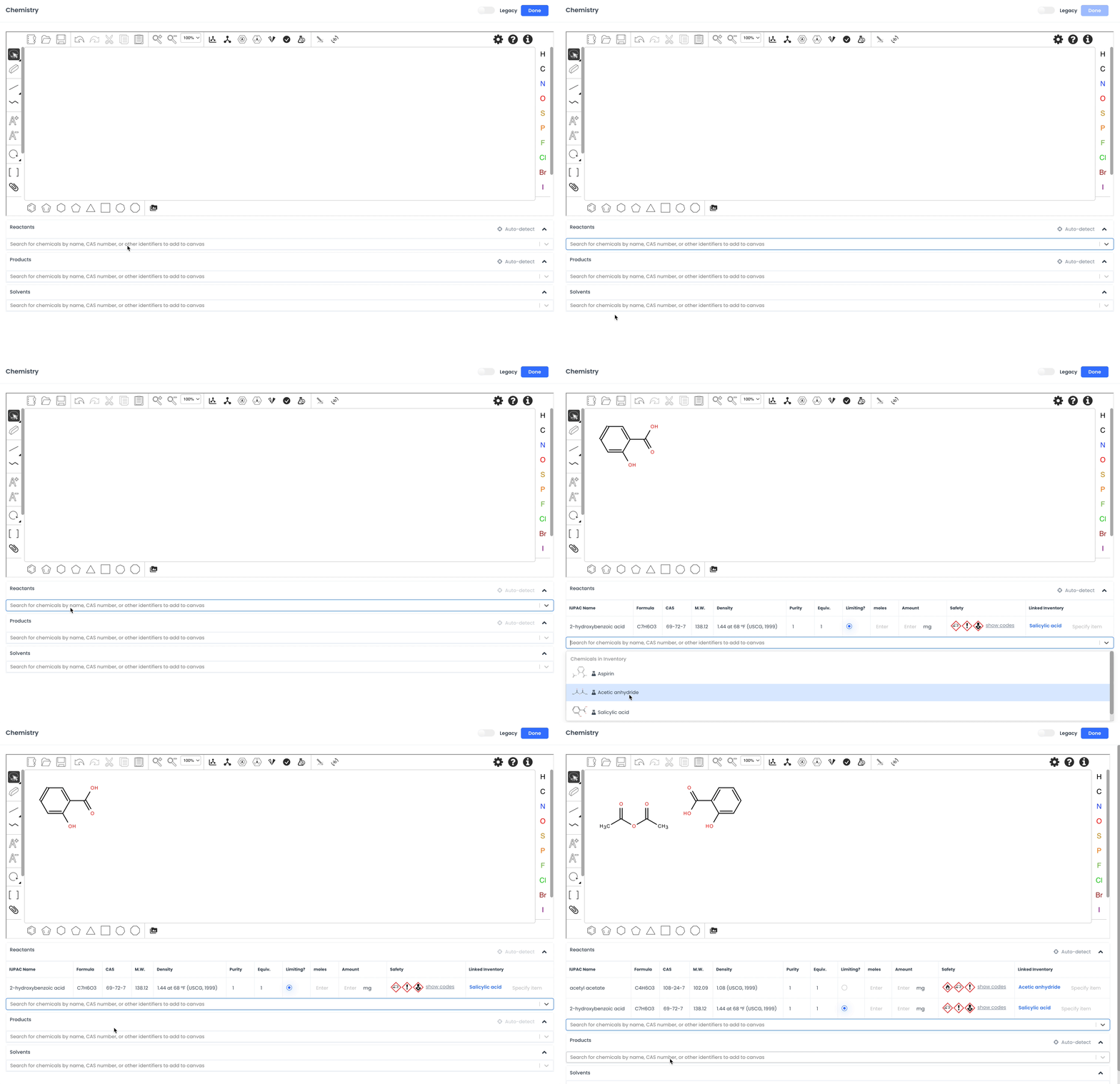
Match chemicals added to the Chemical Structure Editor to resources in your inventory.
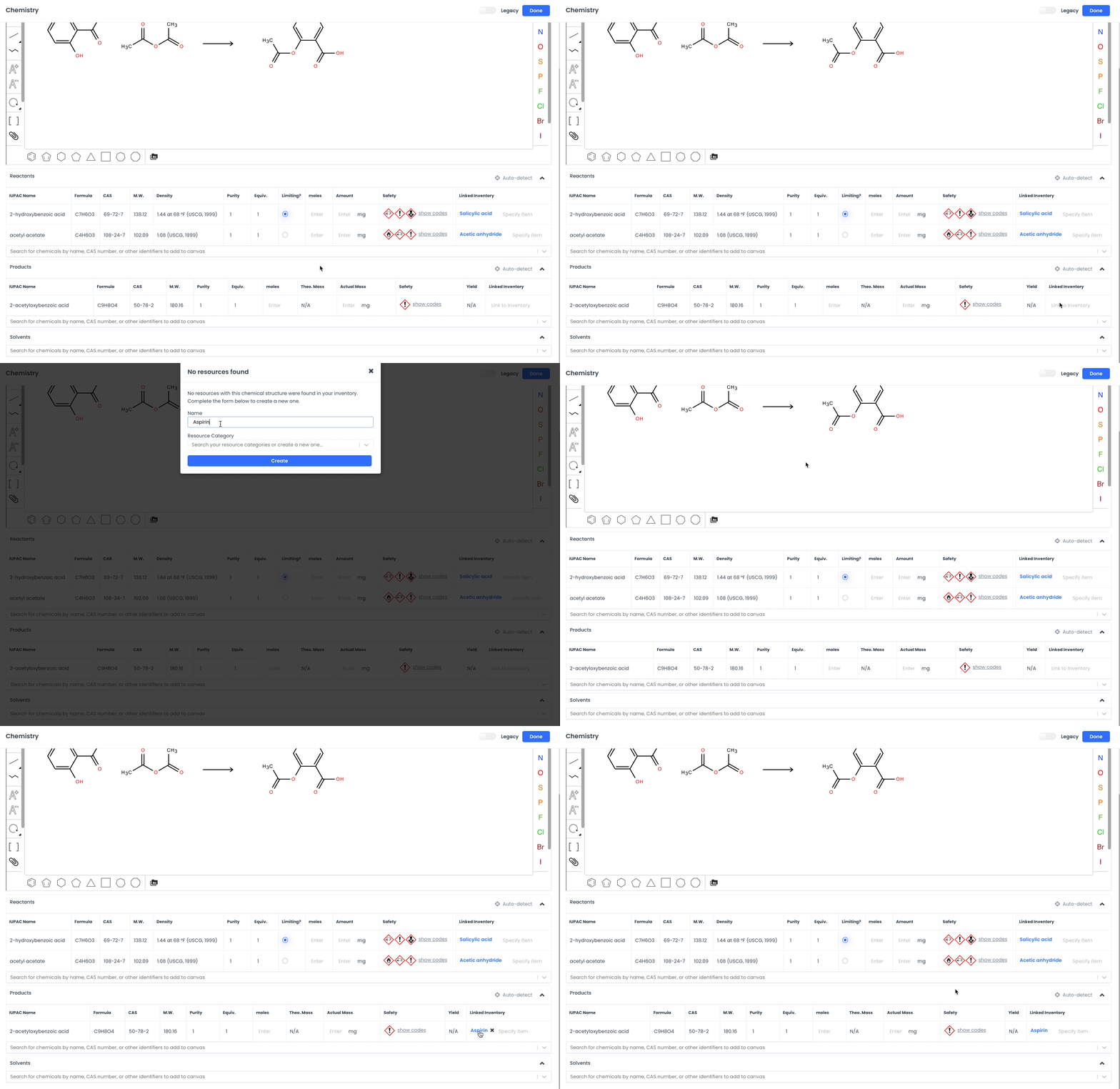
Search for your experiments using the "Chemical Structure" filter.
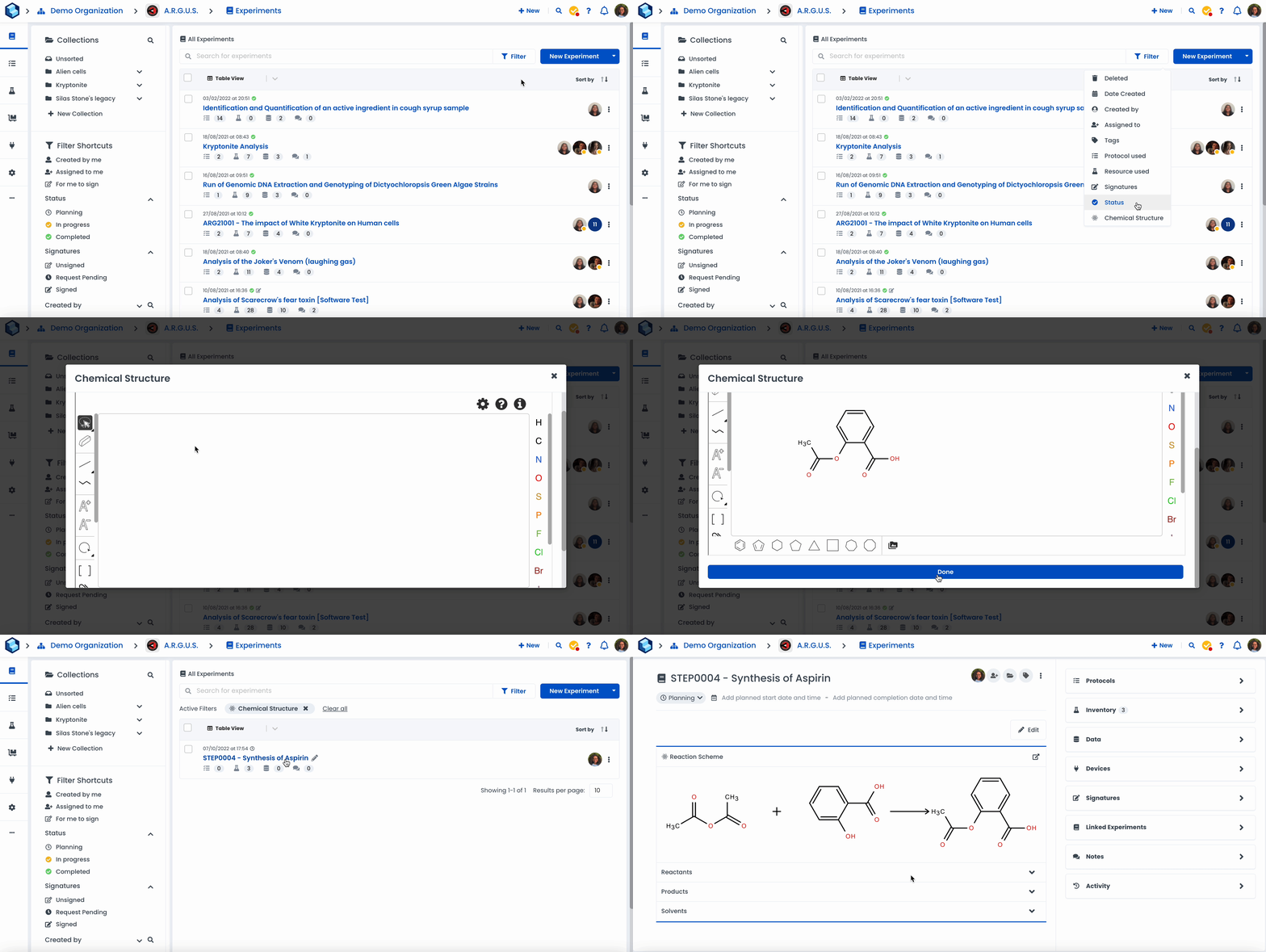
Set up workspace auto-sharing to automatically share content with another workspace. Select the permission level for each entity you decide to share.
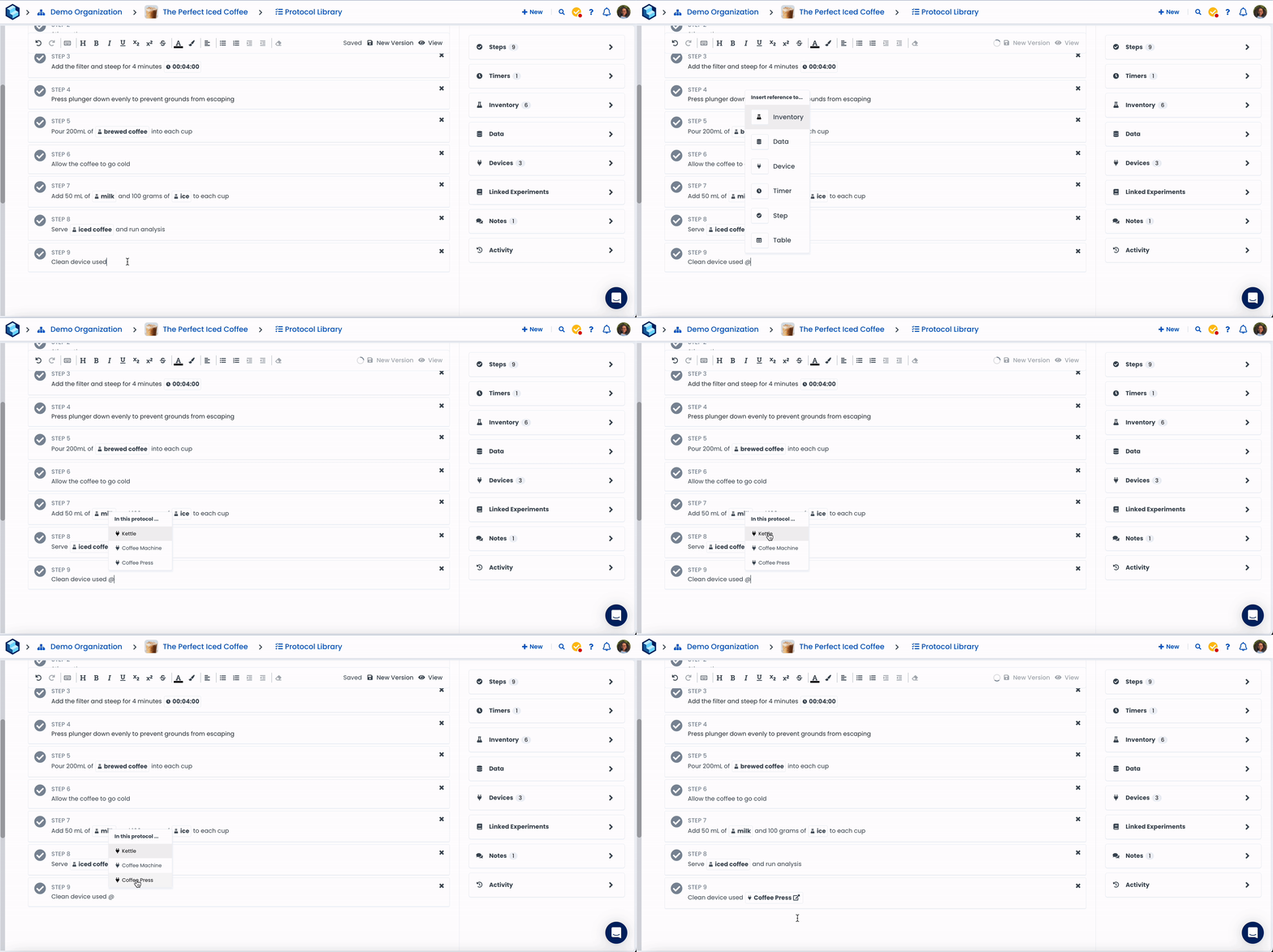
Reference your devices in the entry.
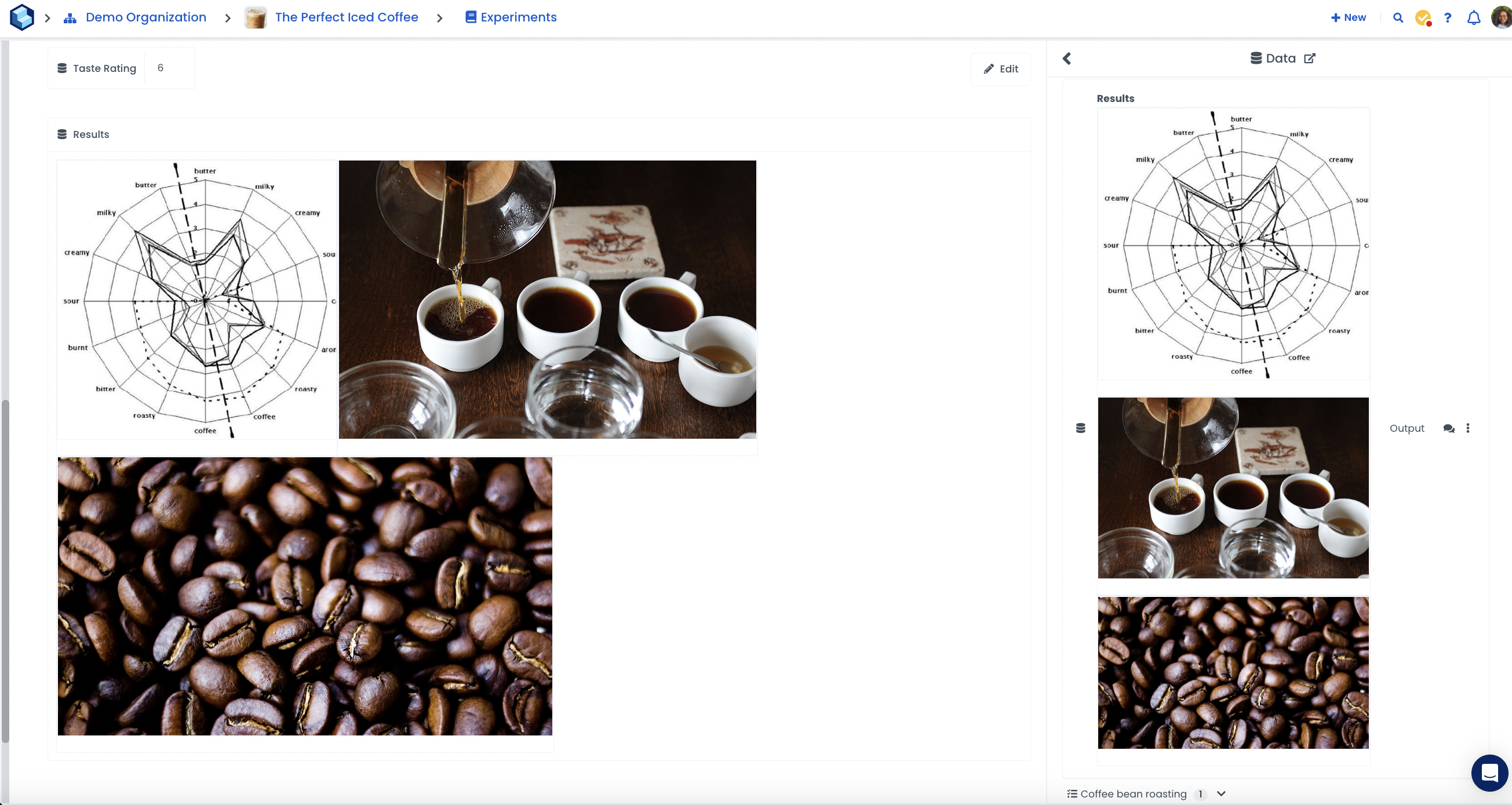
Add multiple files in one data field.
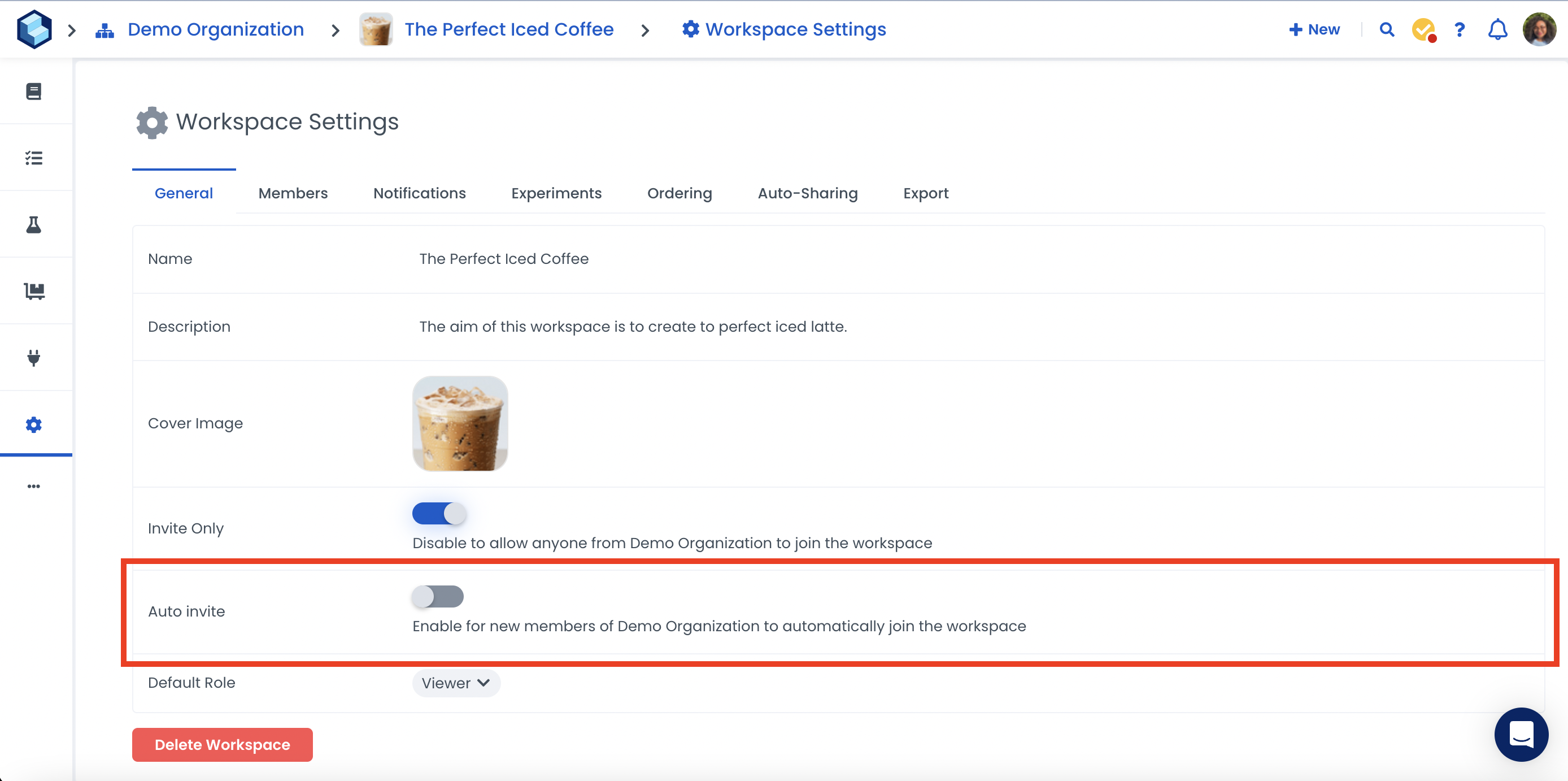
Toggle the Auto-invite button in Workspace Settings to enable new members of your Organisation to automatically join the workspace.
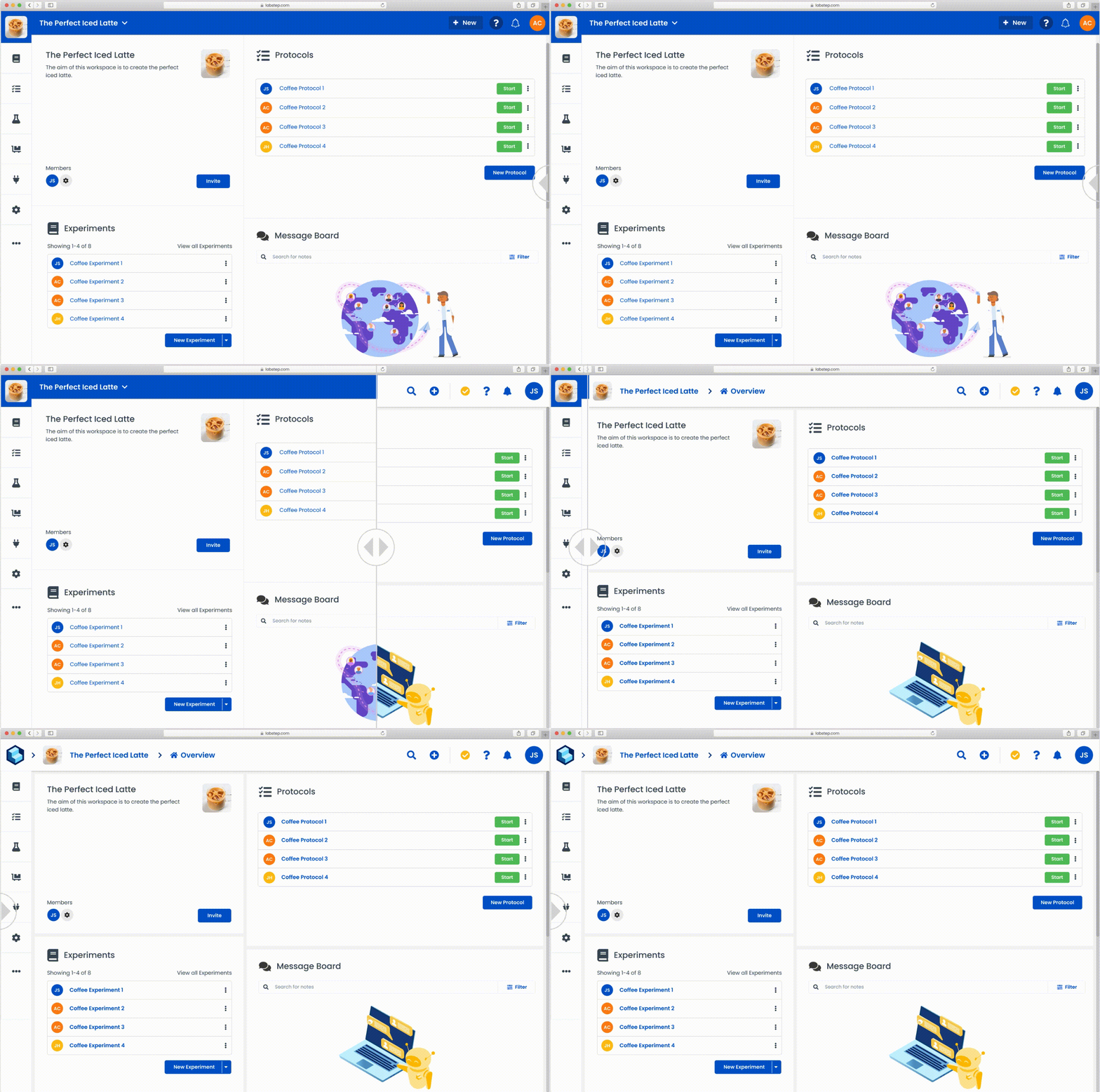
New year, new us! Labstep has a new refreshed look and overall improved navigation.
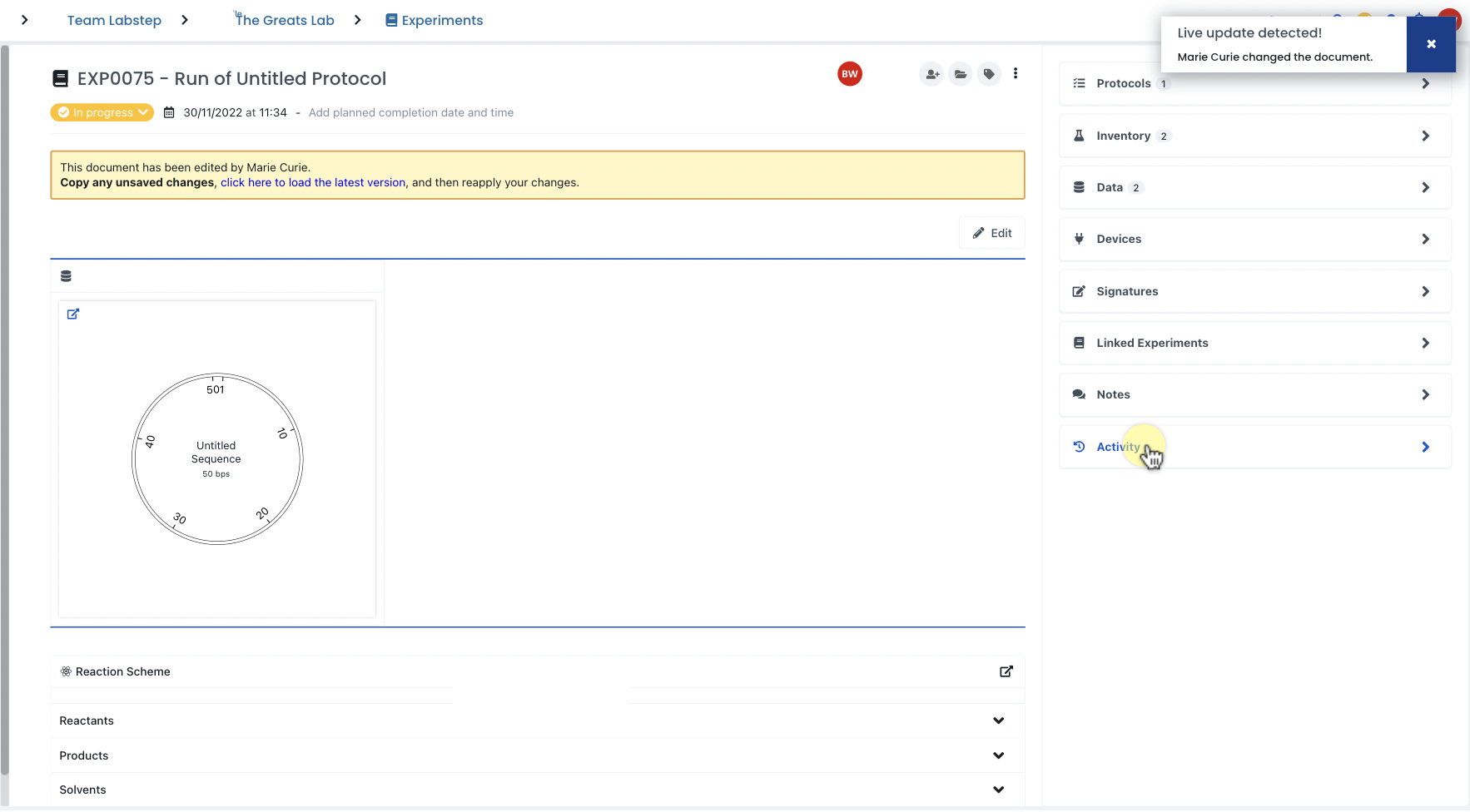
When changes are made by a collaborator, Labstep will now prompt you to copy any unsaved changes and reload to the latest version to avoid having your work overwritten.
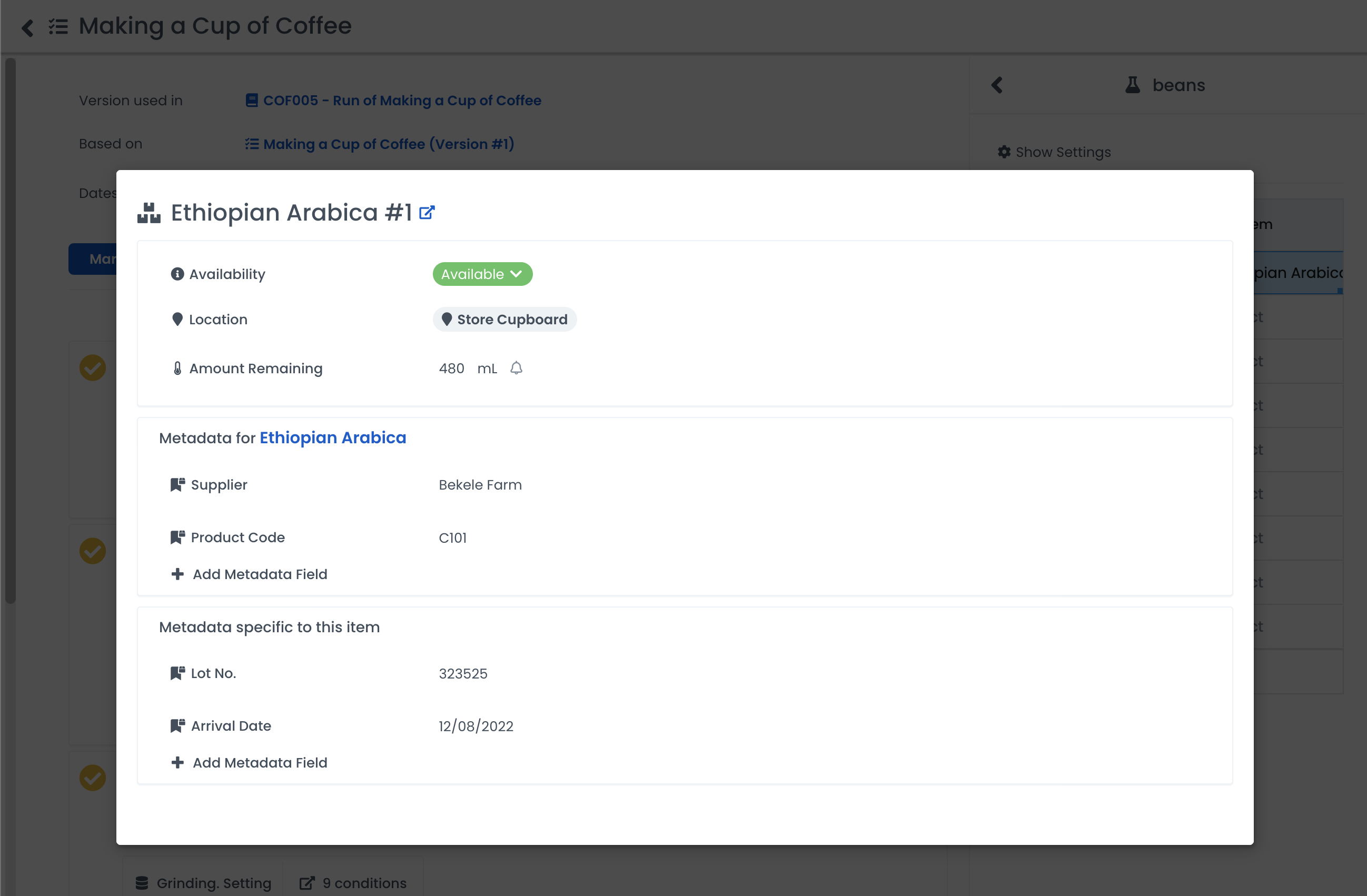
The preview modal prevents you from having to go back and forth between pages. You can quickly view and edit an entity without losing where you were in an experiment.
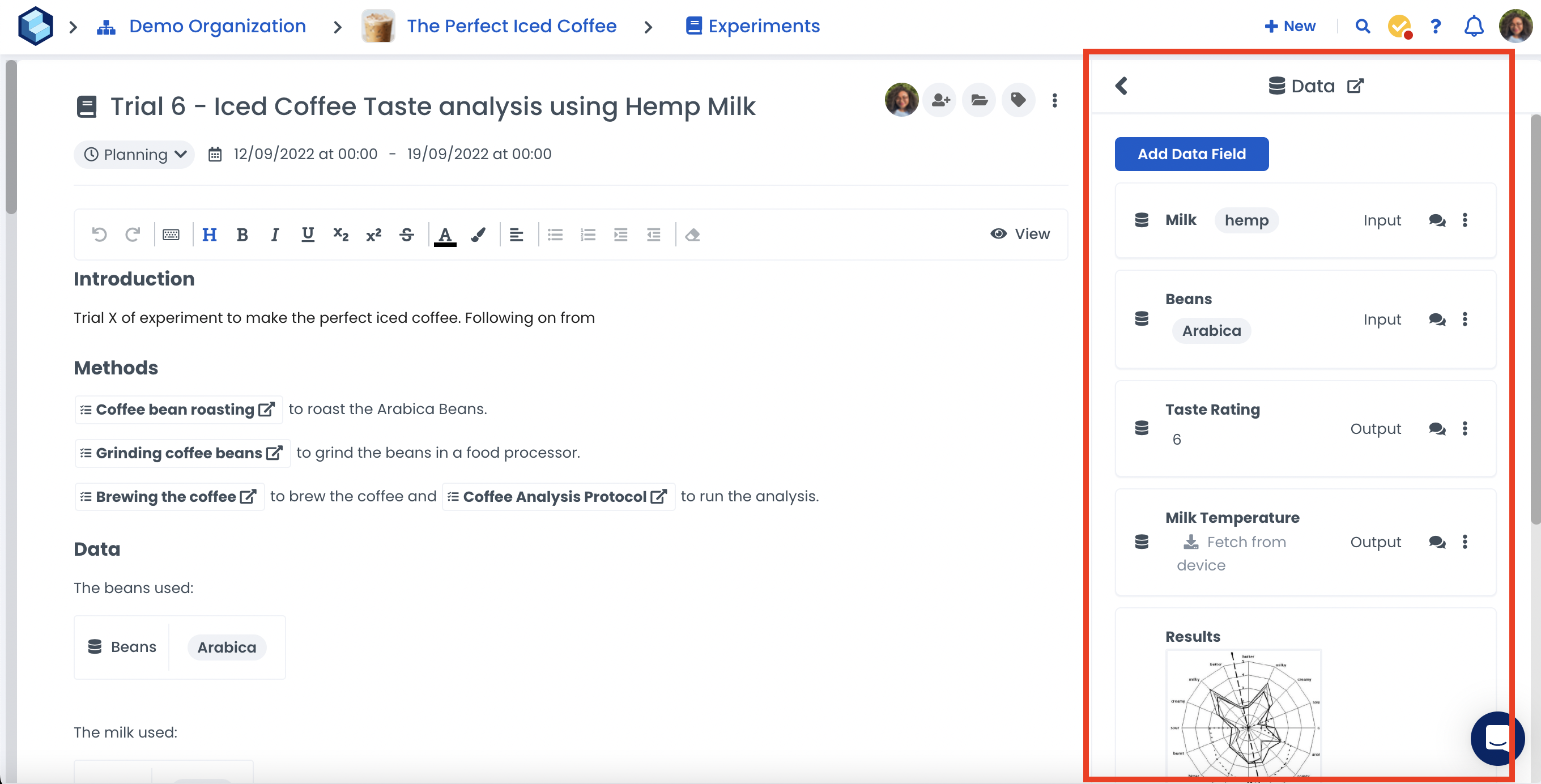
No more Inception navigation. Open the right-hand side panel to quickly view everything you need.
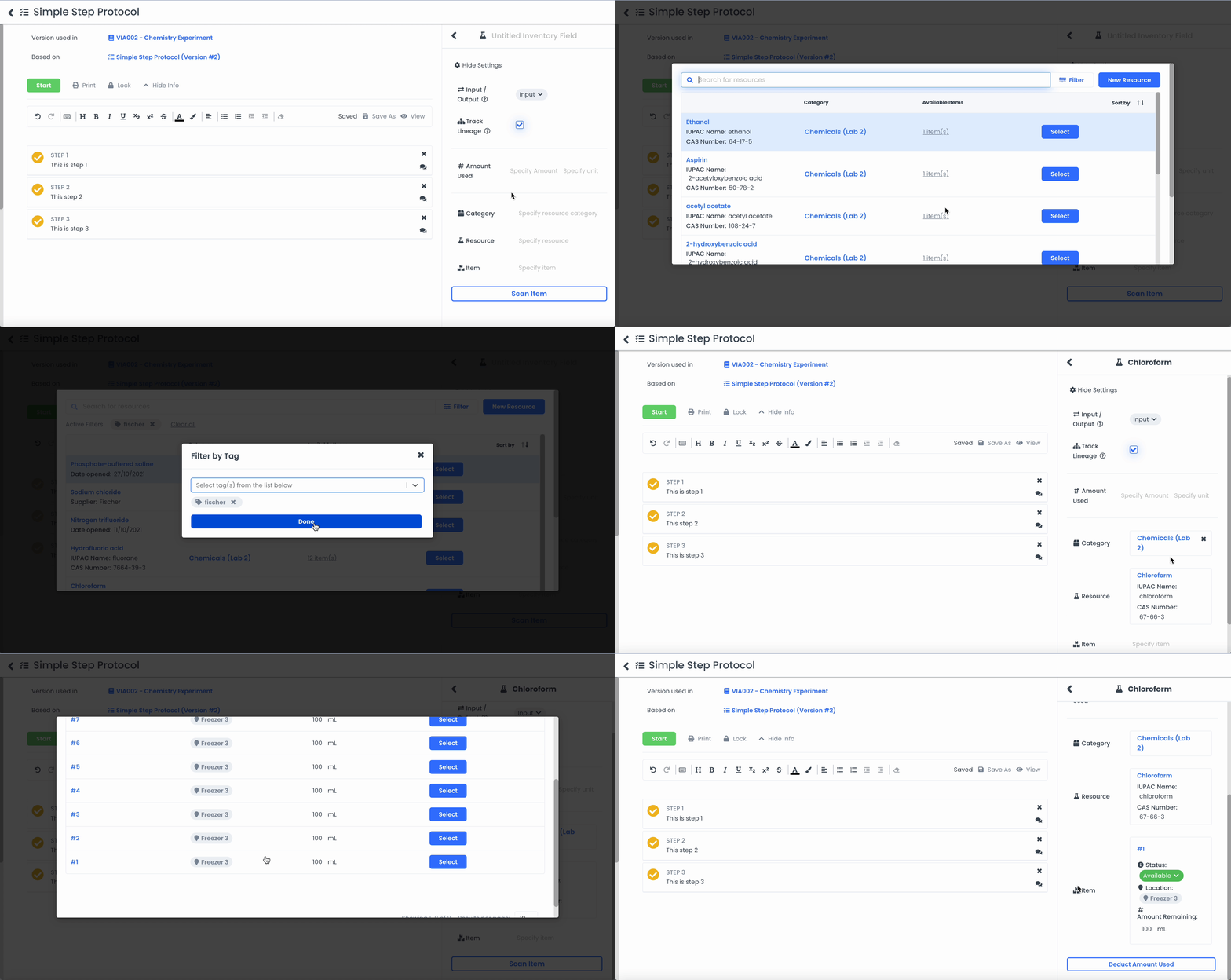
It's now easier to select Resources and Items as you'll be able to view more information such as category, creator, metadata, available items and amount remaining. Additionally, you'll be able to use Filters in your search to find what you are looking for more easily.
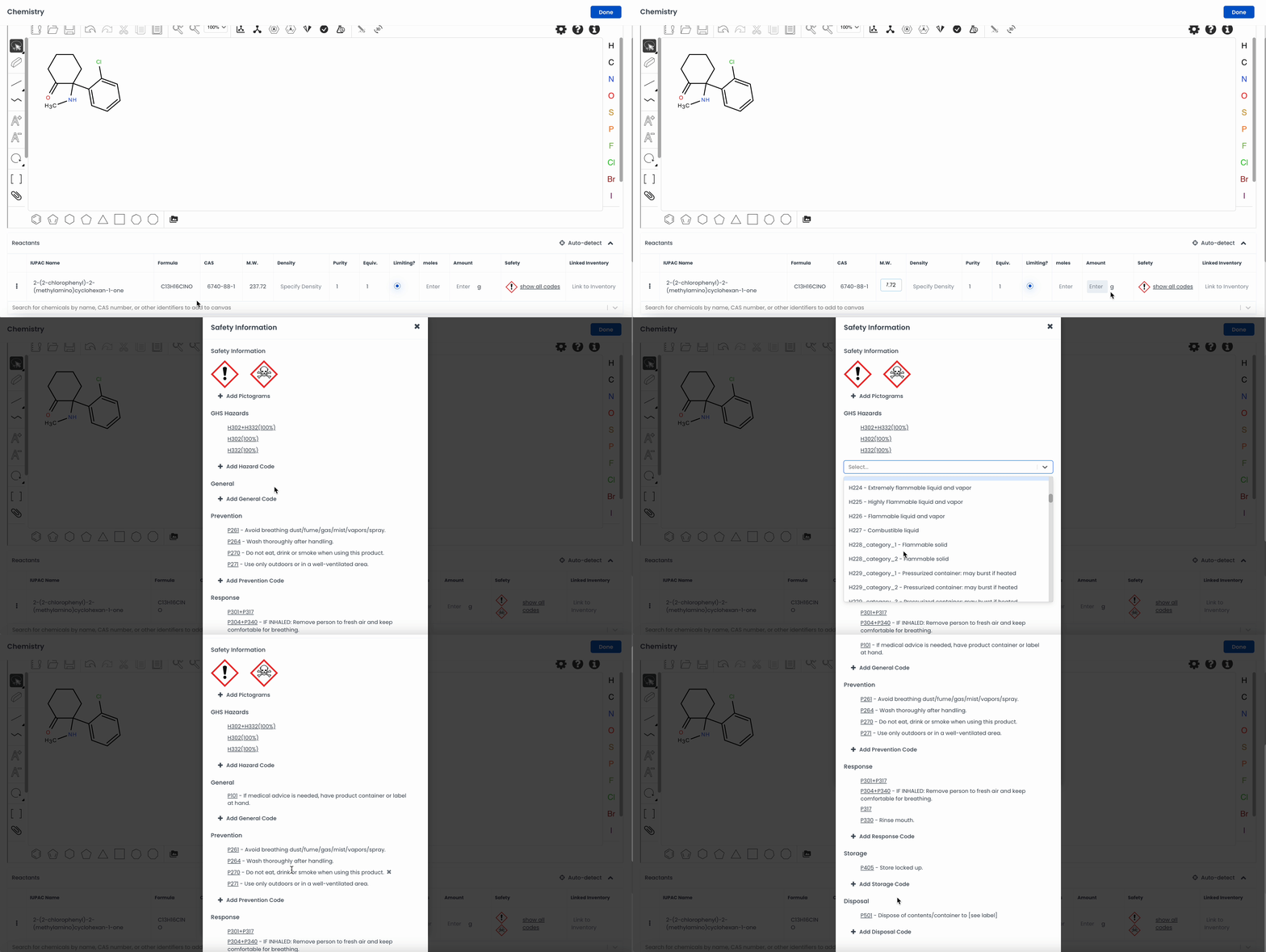
You can now manually enter chemical information, including hazard pictograms and precautionary codes, in your inventory and reaction schemes.
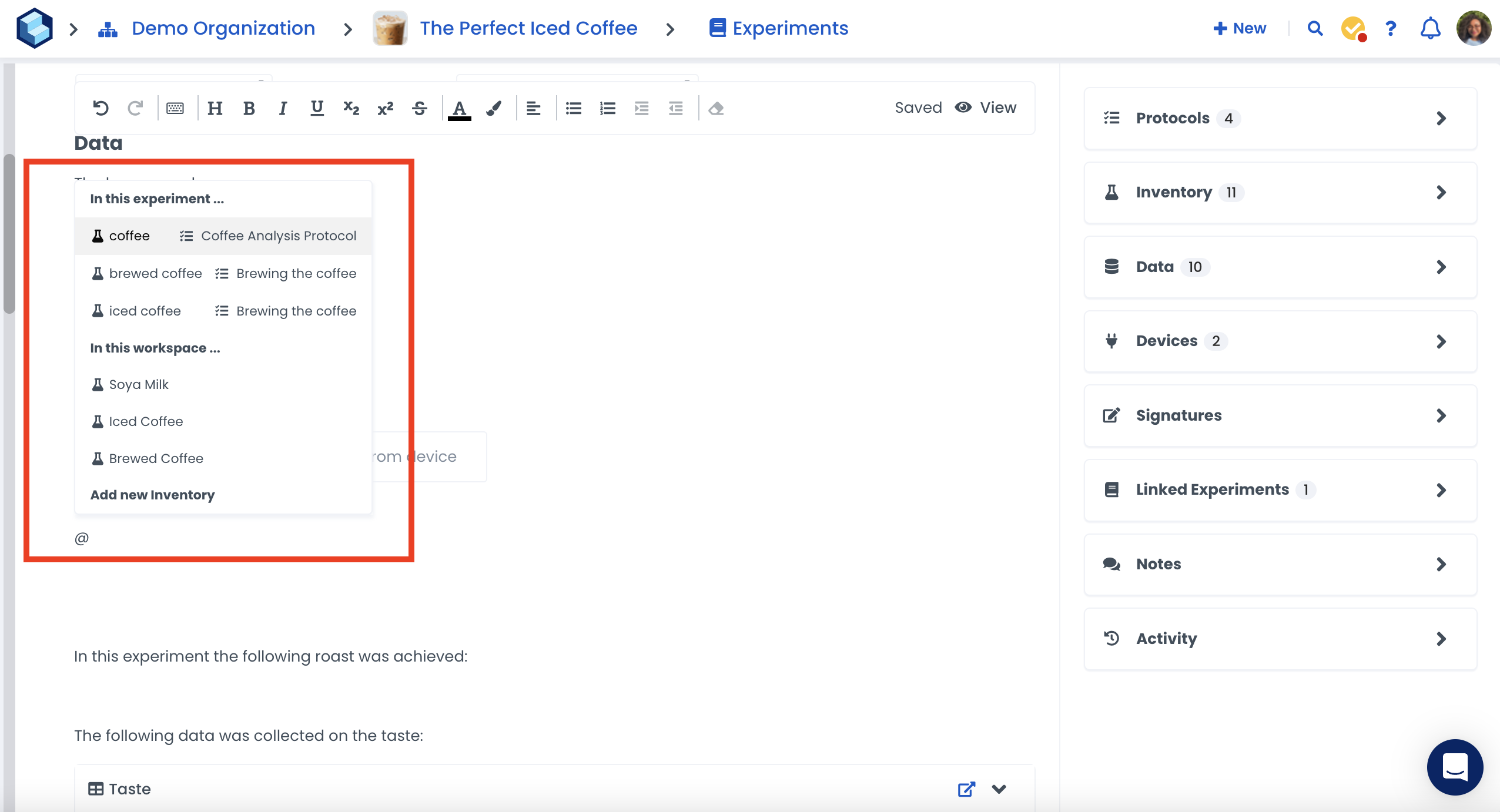
Reference any Protocols, Devices, and Inventory fields in your Workspace using the @ command, whether in the Protocol you’re currently editing or in the Workspace.
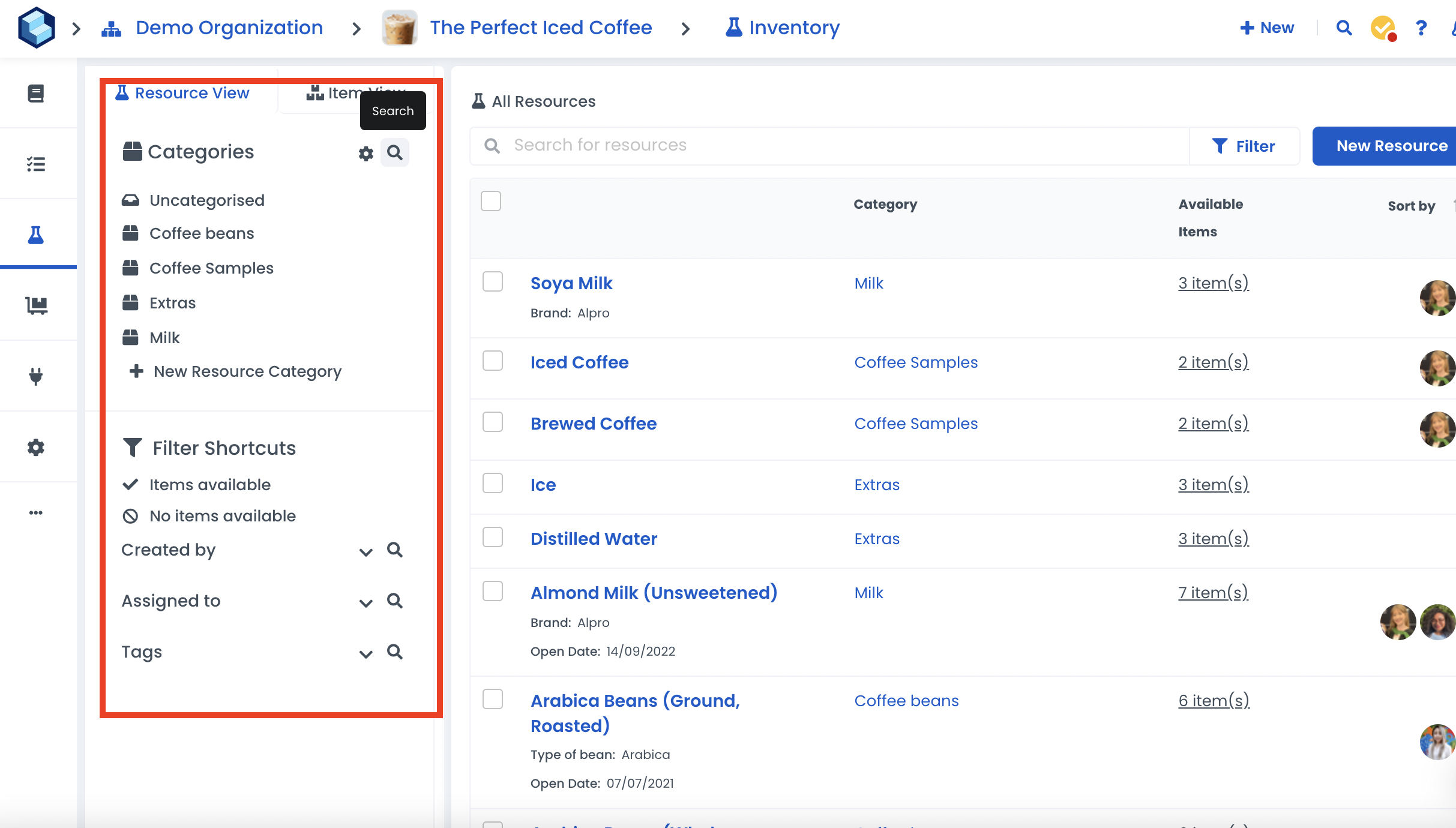
Collections, Categories and Locations are now ordered alphabetically in the Filter shortcut panel. Search directly for a Collection, Category, User, Tag or Location.
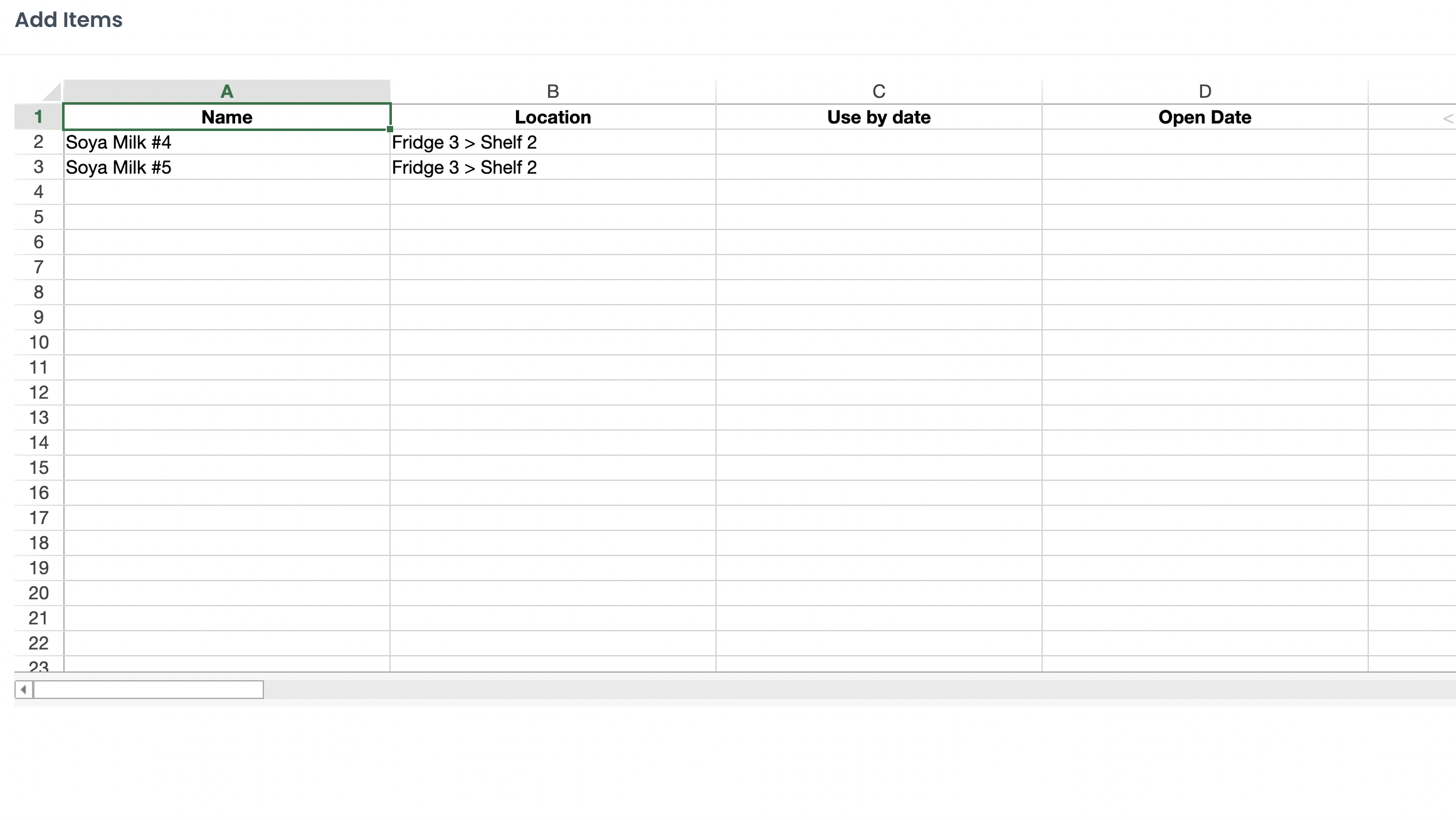
When adding new items, they'll be automatically named the Resource's name and the number instead of "Item #1". You can always rename items depending on your role and permissions.
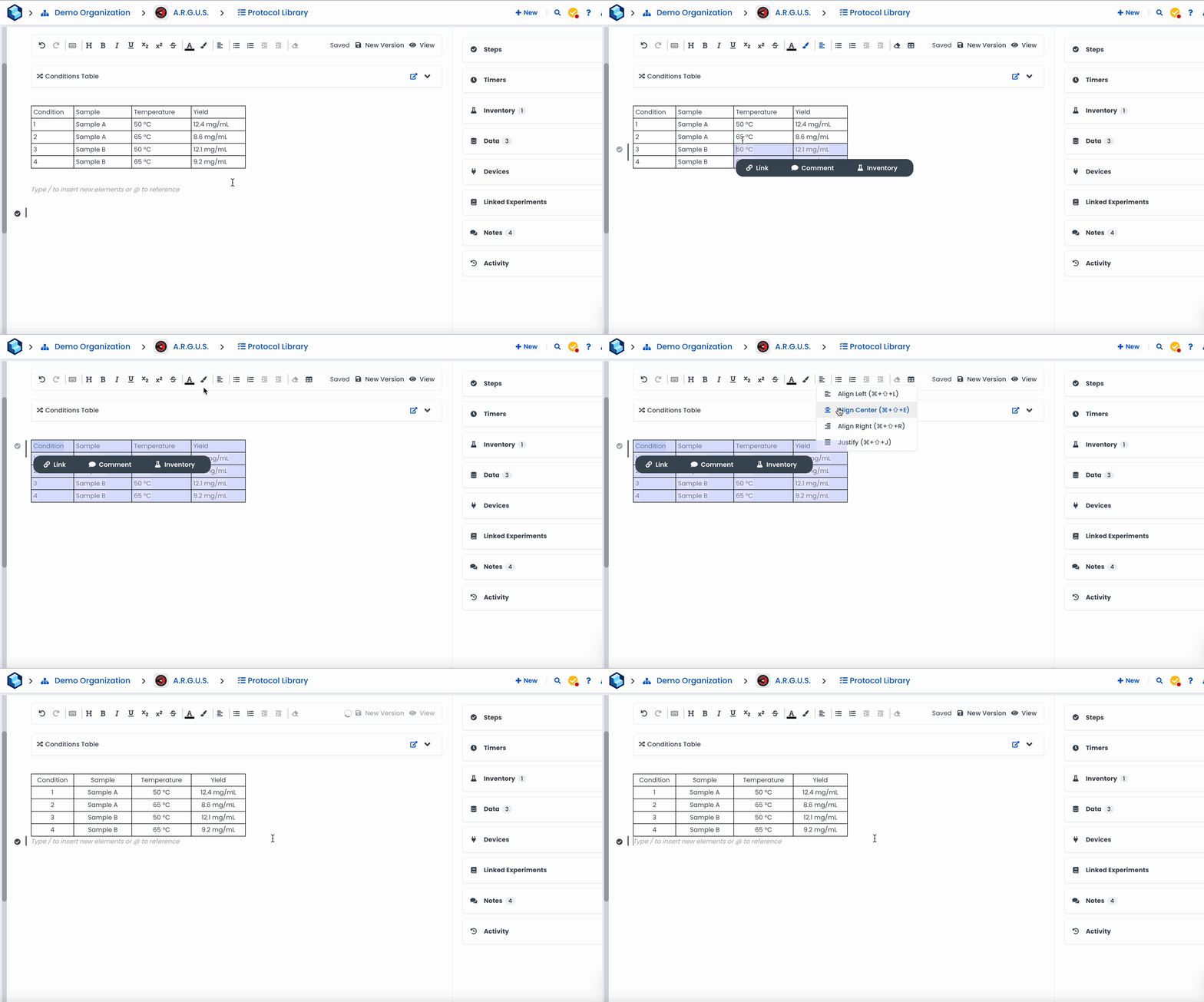
Format multiple cells at the same time in basic tables.
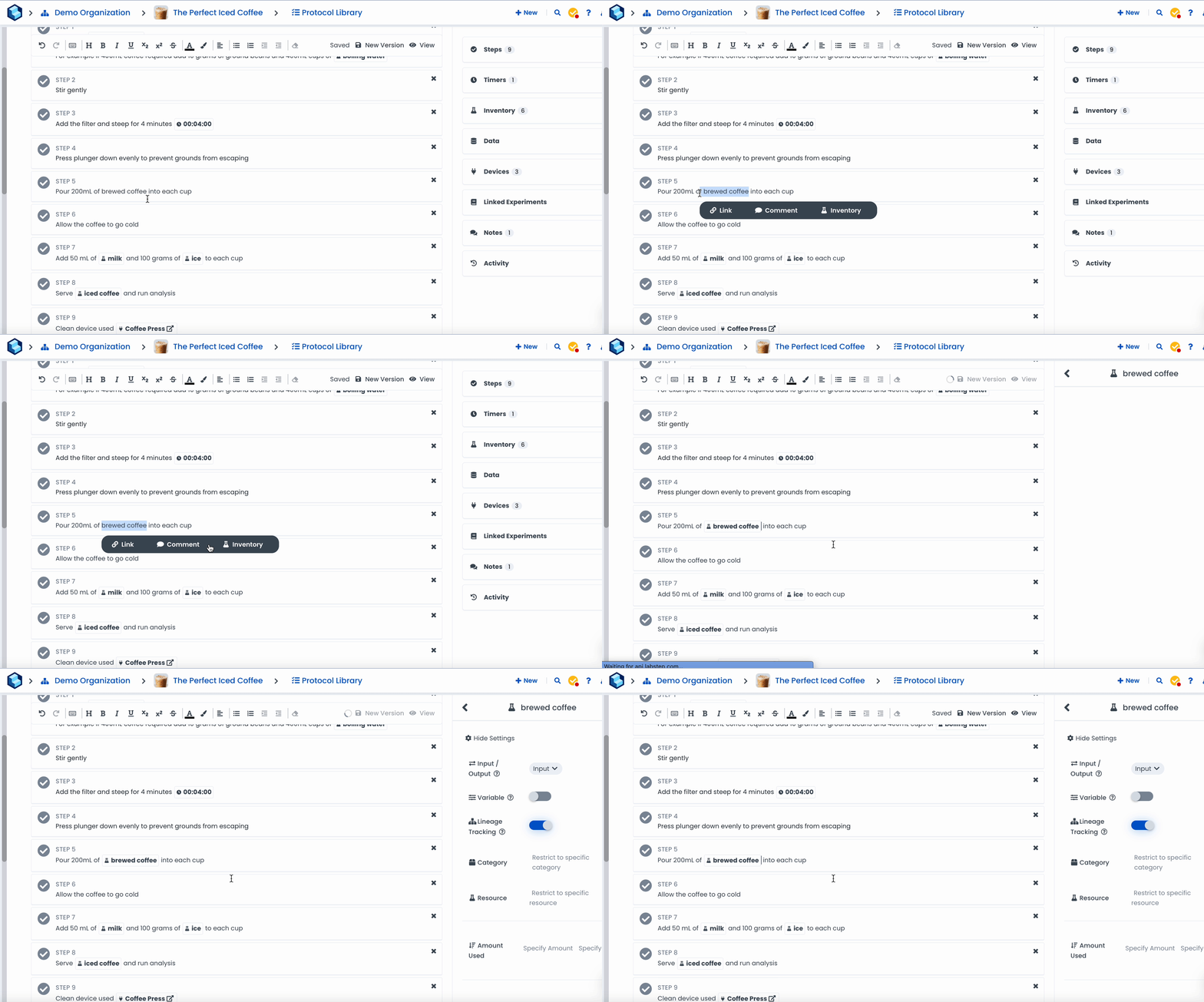
Renaming of "Material" to "Inventory field" to reflect better their purpose of connecting to the Inventory module.
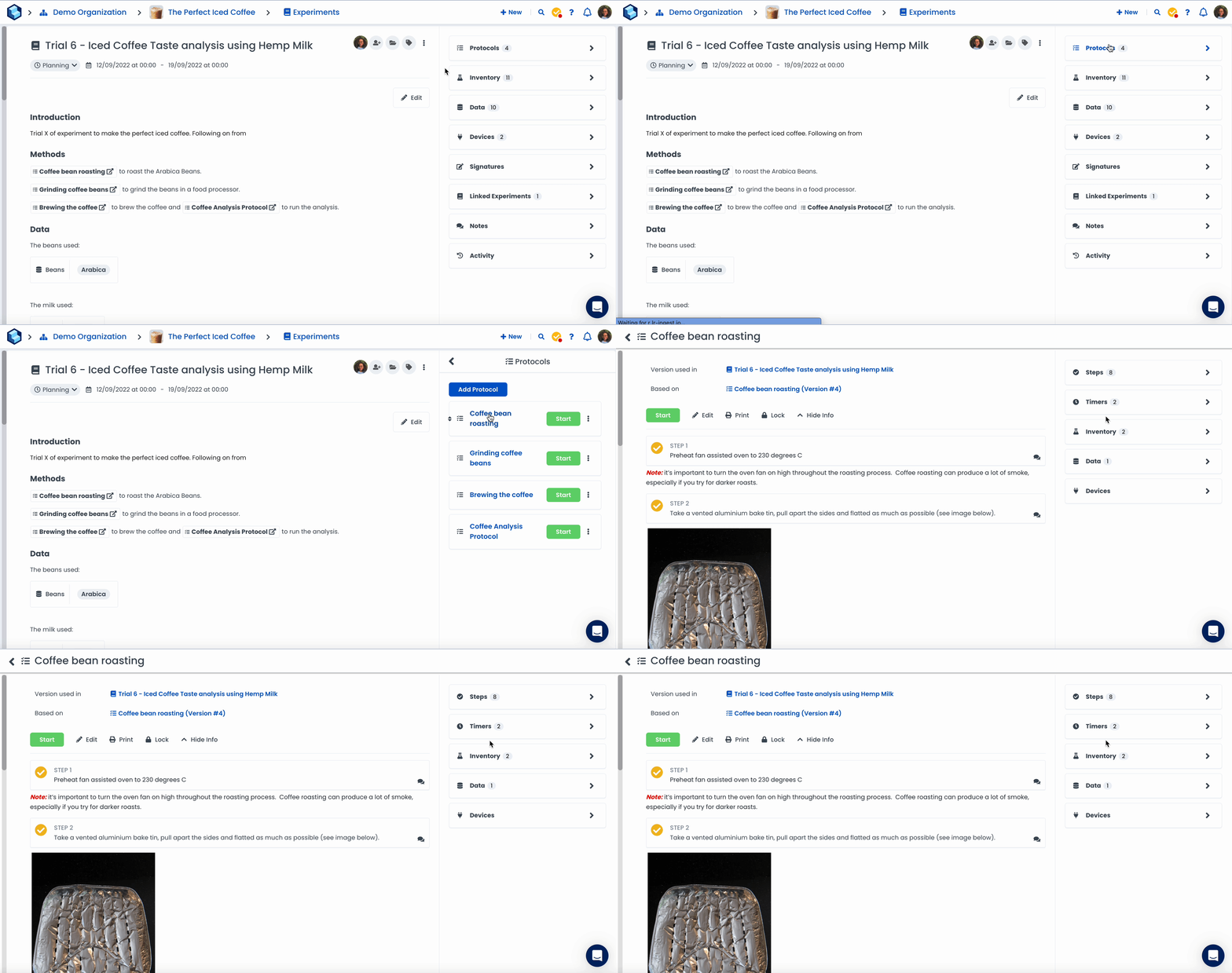
The Protocol Runner now opens on a full page so you can focus on what matters most when running procedures in the lab.
👉 For more details on the major releases and improvements of the year, watch the replay of our "What's New in 2022?" webinar here.
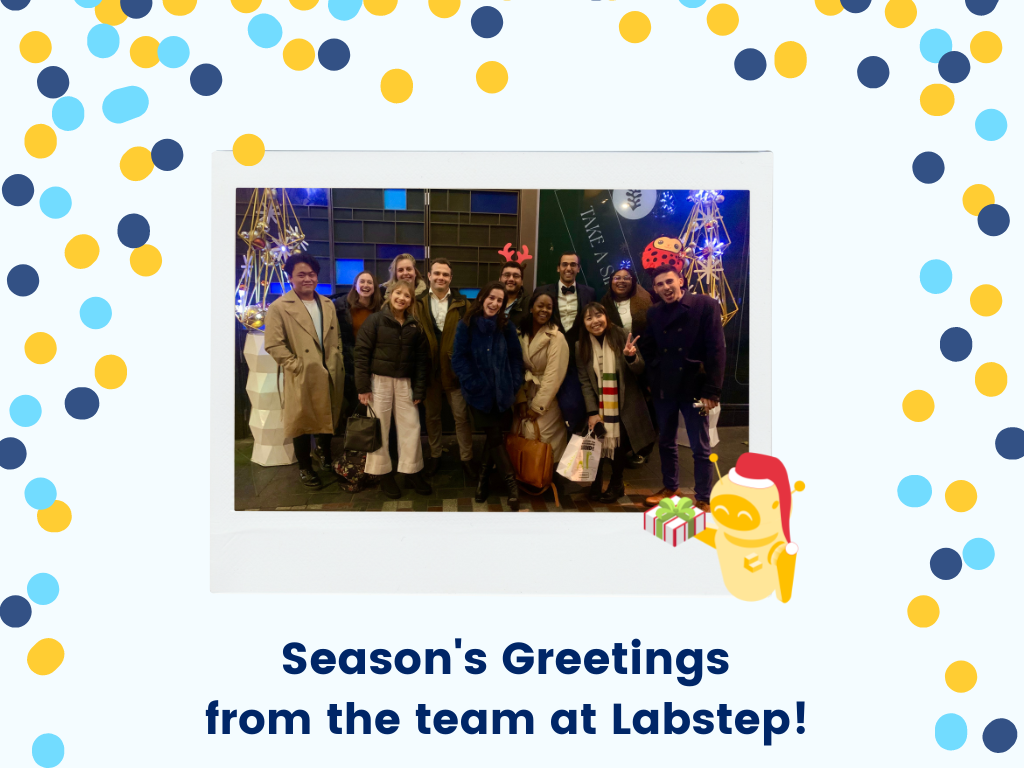
Whether you celebrate Kwanzaa, Hanukkah or Christmas, we want to wish you Happy Holidays and all the best for the year ahead!
Something missing?
If there's a feature you'd like to see in the next release, let us know here or use the in-app chat function.